Playwright CLI Turns Natural Language into Browser Tests
Key insights
- The Playwright CLI saves page snapshots locally instead of loading them into the AI context, cutting token usage compared to Playwright MCP
- An AI agent can navigate a website, interact with elements, and auto-generate a passing Playwright test without writing code
- Video recordings and trace files let you verify exactly what the agent did, step by step
This is an AI-generated summary. The source video may include demos, visuals and additional context.
In Brief
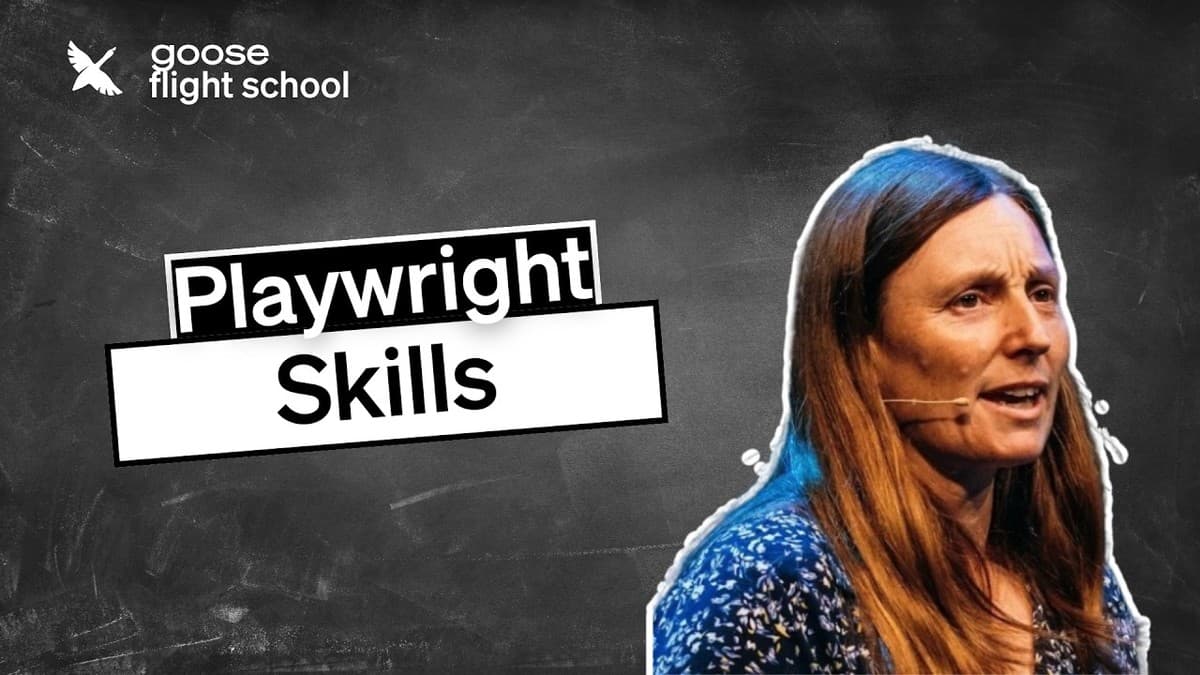
Debbie O'Brien from Block shows how the Playwright CLI skill turns Goose, an open-source AI agent, into a browser testing tool. Instead of writing test code by hand, you describe what you want in plain English. The agent browses the site, clicks elements, and generates a working Playwright test that passes on the first run.
What you will learn
- How to install and activate the Playwright CLI skill in Goose
- How to browse websites and generate test code using natural language
- How to record video and trace files for debugging agent actions
Setup and first steps
Install the Playwright CLI globally
Run the Playwright CLI install command to make it available system-wide. Then install the skills into your project by running playwright cli install-skills (0:35). This creates a folder with a skill file and reference documents that teach the agent what commands are available.
Activate the skill in Goose
In your Goose agent, search for the Playwright CLI extension and make sure it is activated (2:00). O'Brien uses the Goose coding agent, but any agent that supports skills will work.
Open a browser and take a screenshot
Tell the agent to open a website. By default, the browser runs in headless mode (no visible window), since the agent does not need to see it. Add --headed if you want to watch what happens (4:13). The agent saves a page snapshot locally as a YAML file containing the page's accessibility tree (a structured map of every element on the page). This is the key difference from the Playwright MCP server: the snapshot stays on disk, not in the AI's context window, which saves tokens (3:42).
Generating tests from natural language
Describe the user flow in plain English
O'Brien types: "Go to the videos page and filter for MCP, then create a test from your interactions" (4:38). The agent navigates to the page, finds the MCP tag filter, clicks it, and observes the result. It uses the ref numbers from the snapshot to locate elements.
Review the generated test code
The agent creates a Playwright TypeScript test file with page.goto, assertions like expect(page).toHaveTitle(), and click actions using getByRole (6:03). The generated code follows Playwright best practices with role-based locators (finding elements by their function, like "button" or "link," rather than brittle CSS selectors).
Run the test
Ask the agent to run the test. It executes npx playwright test and reports the result. The test passes on the first run (8:06).
Recording video and traces
Beyond test generation, the Playwright CLI can record what the agent does for later review (9:20).
Video recording saves an MP4 of the browser session. O'Brien suggests attaching these to pull requests (code review submissions) so reviewers can see exactly what the agent tested.
Trace recording creates a detailed log that opens in Playwright's Trace Viewer (12:39). The trace shows a timeline of every action, the refs used, network requests, console output, and page screenshots at each step. You can even pick locators directly from the trace.
Troubleshooting
- Trace file won't open in Trace Viewer? The viewer expects a
.zipfile. If the trace was saved as an uncompressed folder, zip it first (12:18). - Browser not visible? By default, the CLI runs headless. Use
--headedto see the browser window. Only needed for human observation. - Skill not found? Make sure the Playwright CLI extension is activated in your agent's settings, not just installed.
Test yourself
- Transfer: How could you use this approach to test a multi-step checkout flow on an e-commerce site? What instructions would you give the agent?
- Trade-off: When would you choose the Playwright CLI skill over the Playwright MCP server? What situations favor each approach?
- Architecture: How would you set up a CI pipeline that uses an AI agent to generate and run browser tests automatically on each pull request?
Glossary
| Term | Definition |
|---|---|
| Playwright | A browser testing framework by Microsoft that automates clicks, form fills, and navigation in Chrome, Firefox, and Safari. |
| CLI (Command-Line Interface) | A text-based way to interact with software by typing commands instead of clicking buttons. |
| Goose | An open-source AI agent by Block (formerly Square) that runs on your machine and can use extensions called skills. |
| Skill | An extension that teaches a Goose agent new capabilities, like browsing the web or generating tests. |
| Headless browser | A browser that runs without a visible window. Faster and uses fewer resources, but you cannot see what happens. |
| Accessibility tree | A structured map of every element on a web page. The same data screen readers use, and what the Playwright CLI uses to find elements. |
| Snapshot | A saved copy of the page's accessibility tree at a specific moment. Stored locally to save token costs. |
| Trace | A detailed recording of every browser action, including screenshots, network requests, and console logs. |
| End-to-end test (E2E) | A test that checks the full user journey through an application, from start to finish. |
| Token | A small unit of text that AI models process. Using fewer tokens means lower cost and faster responses. |
| MCP server | A protocol (Model Context Protocol) for connecting AI agents to external tools. The Playwright MCP server loads page data into the AI's context, using more tokens. |
This tutorial lands better with the broader story of how Claude Code emerged from an accidental CLI tool and the practical setup guide to cutting token usage with Playwright CLI.
Sources and resources
Want to go deeper? Watch the full video on YouTube →